Captive Nuts in 3D-Printed Enclosures: Beginner to Advanced Methods
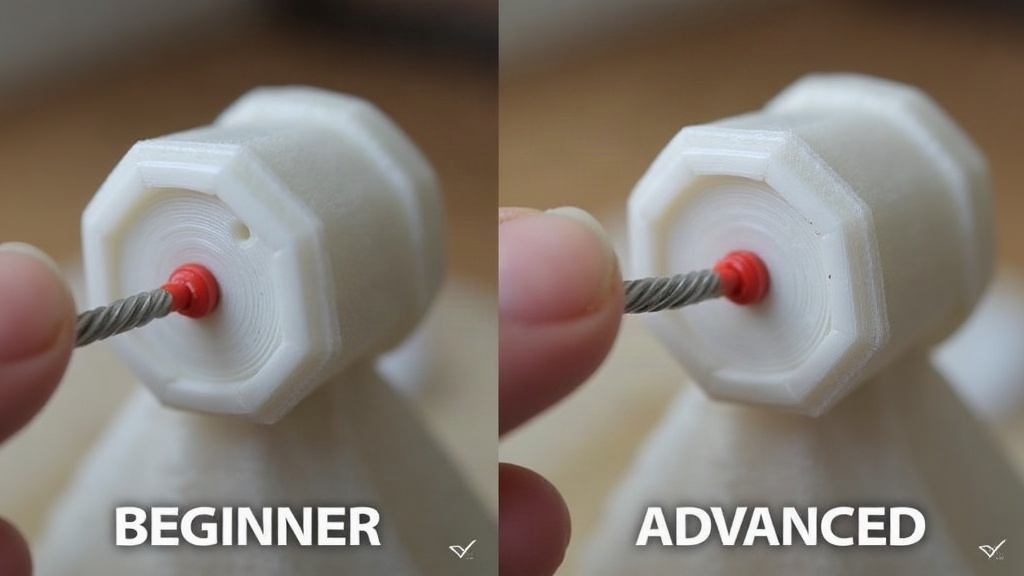
Adding captive nuts to functional 3D-printed enclosures gets you strong, reusable screw connections that can survive dozens of open-close cycles instead of stripping out after a handful of tries. This guide starts with beginner-friendly tricks like press-fit pauses and glued nut pockets, then works up to heat-set inserts, print-in-place captivation, and CAD-driven tolerancing, so you can pick whatever actually fits your project instead of guessing.
Why Printed Threads Aren’t Enough
Screwing directly into a printed hole is fine for a one-off prototype you’ll open twice. But printed plastic threads:
- Strip after 3-5 insertions, especially in PLA
- Lose clamping force once vibration enters the picture
- Crack along layer lines when you over-torque them (and it’s easy to over-torque them)
- Behave inconsistently from printer to printer, material to material
Captive nuts fix this by letting a real metal nut carry the load. The plastic’s only job is to hold that nut in place, not to act as a thread itself.
Beginner Methods
1. Pause-and-Place Press Fit
The simplest trick in the book: design a hexagonal pocket slightly undersized (0.1-0.2 mm tighter than the nut’s across-flats dimension), print up to that layer, pause the printer, drop the nut in, resume, and let the print cap over it.
Pros: no extra hardware, works on any printer, costs nothing. Cons: you have to time the pause manually, the nozzle can clip the nut if you’re not careful, and tolerances shift depending on the printer.
2. Open-Pocket with Glue
Print a hex recess that’s open on the back face, drop the nut in after the print finishes, then lock it down with a dab of cyanoacrylate (CA) glue or hot glue.
Pros: easiest to bolt onto an existing design; no pause-print timing to babysit. Cons: glue bonds weaken with heat or vibration over time, and the nut will spin in place if the pocket is even slightly oversized.
3. Friction-Fit Hex Pocket (No Glue)
Model the hex pocket at exactly nominal nut size, or a touch tighter (0.05-0.15 mm per side, depending on how dialed-in your printer is). The nut snaps in and stays put purely through friction and wall compression.
- Works best in PETG or ABS, since both have a bit of give
- Run a test fit on a calibration cube before committing to the full enclosure. Trust me, it’s five minutes well spent.
Advanced Methods
4. Heat-Set Threaded Inserts
This is the gold standard if you’re building anything production-grade. A brass insert (think Ultrasonics-style, or the knurled McMaster/Boyard inserts) gets pressed into a slightly undersized hole using a soldering iron set to 200-250°C.
Process:
- Design a straight cylindrical hole 0.2-0.3 mm smaller than the insert’s outer diameter
- Heat the insert tip on the soldering iron
- Press down vertically and slowly. Let the heat do the melting, not your arm
- Give it 10-15 seconds to cool before putting any load on it
Advantages:
- Holds up over hundreds of insertions and removals
- Excellent pull-out and torque resistance
- Flush or recessed finish that actually looks professional, not hacked together
Common mistakes: pushing too fast (it cracks the boss), skimping on wall thickness (keep at least 1.5x the insert diameter in surrounding plastic), and cranking the iron too hot (melts too much material and the insert ends up tilted, which ruins the whole point).
5. Print-in-Place Captivation with Clearance Pockets
For tool-free assembly, build a cage around the nut with 0.3-0.5 mm clearance on every side, plus a lip narrower than the nut but wide enough to let the screw shaft through. The nut floats inside its pocket and self-aligns with the screw as you tighten it, handy when two halves of an enclosure don’t quite line up perfectly.
You’ll see this a lot in RC drone frames and modular electronics housings, where a little X-Y float absorbs the tolerance stack-up that builds up across a print.
6. Parametric CAD Libraries
Once you’re doing this regularly, it pays to build parametric nut/insert libraries (Fusion 360, OnShape, FreeCAD, whatever you use) with named variables for:
- Nut across-flats and thickness per size (M2, M3, M4, M5)
- Insert OD and length per brand (Boyard vs. generic)
- Boss wall thickness scaled to nut size
That turns captive-nut design into something you set up once and reuse, instead of re-measuring calipers every time you start a new enclosure.
Choosing the Right Method
| Scenario | Recommended Method |
|---|---|
| One-off prototype | Pause-and-place or glued pocket |
| Frequent disassembly | Heat-set inserts |
| Tool-free field assembly | Floating captive pocket |
| Production run | Heat-set inserts + parametric CAD |
Conclusion
If you’re just starting out, press-fit or glued hex pockets will get you working results fast, no soldering iron required. But anything meant for repeated use, product housings, electronics projects, gear that lives outside, really pays off with heat-set inserts and a boss designed around them properly. Start simple, actually measure what your printer can hold to (don’t assume), and move up to inserts and parametric libraries once your projects start demanding real durability.